Windows DOS games occupy a strange corner of PC history. They are not quite the pure command-line adventures of the 1980s, and they are not modern Windows releases either. They belong to the period when installing a game could involve memory settings, sound-card choices, and a manual thick enough to stop a draft under the door. Coming back to them now can be rewarding, but nostalgia is not a complete recommendation.
For a busy adult player, the real question is simple: which games still feel good after the novelty wears off? Some remain remarkably playable because their ideas were strong and their controls were direct. Others are better as memories than recommendations. If you have six hours this weekend, here is the honest way to approach Windows DOS games without turning your evening into a technical support session.
Why these games still matter
The best Windows DOS games understood economy. They did not need enormous maps, cinematic dialogue, or hundreds of upgrade materials to create a memorable experience. A clear objective, a few strong mechanics, and a distinctive atmosphere often carried the entire design. That focus can feel refreshing after spending twenty minutes in a current game inventory before the story starts.
Games such as Doom, Warcraft II, Diablo, Star Control 2, SimCity 2000, and Command & Conquer still demonstrate excellent design instincts. Doom remains fast and readable. Warcraft II makes resource collection and battlefield decisions easy to understand. Diablo turns a compact dungeon loop into an oddly satisfying evening ritual. These Windows DOS games are not valuable only because they are old; their strongest systems still communicate clearly.
The other advantage is scale. Many classics can be played in short sessions and still provide a satisfying stopping point. A few missions, a dungeon level, or one city-planning experiment can fit around work, dinner, and family obligations. That matters more to me now than whether a game once won a magazine award.
The setup is easier, but not invisible
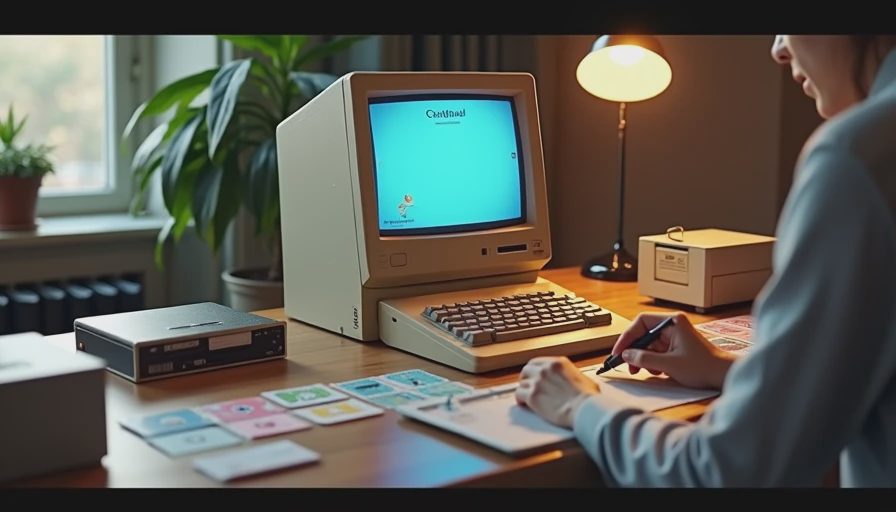
Playing Windows DOS games today is much less difficult than it was in the 1990s, especially if you use a legitimate digital release or a reputable preservation platform. DOSBox remains the familiar tool for older DOS software, while projects such as DOSBox-X offer more configuration options. Some releases arrive preconfigured, which is usually the better choice when your goal is playing rather than recreating a beige-computer laboratory.
Expect a little friction. Full-screen scaling can look soft, music might require a choice between Sound Blaster and General MIDI, and an old game may assume a keyboard layout that feels unusual today. Save files can also behave differently from modern autosave systems. Before starting, learn the emulator shortcut for quitting, check where saves are stored, and create a separate folder for configuration files.
Do not download random executable files from an unfamiliar site just because a search result promises an effortless setup. Use licensed storefronts, publisher releases, or well-established archival resources, and scan anything you download. Windows DOS games are old, but old software is not automatically safe software.
Which classics hold up best?
Doom is the easiest recommendation for a first revisit. Its movement, weapon feedback, enemy silhouettes, and level rhythm remain immediately legible. The original version can feel visually stark on a modern monitor, but a sensible source port improves resolution without changing the underlying pace. If you remember it as chaotic, try it again and notice how carefully its encounters are arranged.
Command & Conquer and Warcraft II are also strong choices, although their interfaces require more patience. Mission objectives can be opaque, and selecting units is less forgiving than in StarCraft II. Still, both games make battlefield priorities understandable. You learn quickly that an attractive base is not enough; you need power, production, scouting, and a plan for the next attack.
Diablo holds up for a different reason. Its walking speed is slow, the inventory is cramped, and repeated clicking can become tiring. Yet the sound design, gloomy spaces, and steady anticipation of the next item still work. It is a good example of Windows DOS games that reward atmosphere more than convenience.
For simulation fans, SimCity 2000 remains surprisingly welcoming. Its menus look dated, but the central loop is clear: zone land, provide services, manage money, and react to the consequences. You can play for forty minutes, create a mess, and stop without needing to remember a complicated plot.
Games that need a warning label
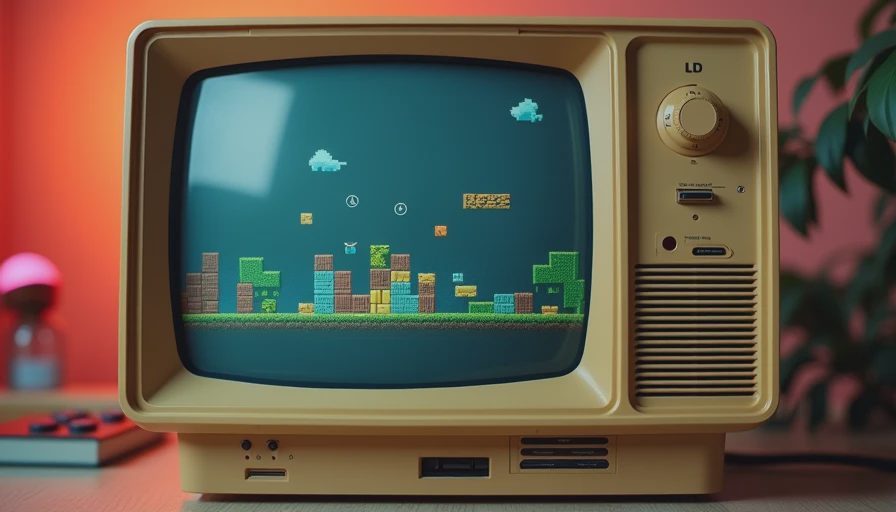
Not every celebrated release deserves an automatic return. Early adventure games can be funny and imaginative while still demanding obscure item combinations or repeated trial and error. If you no longer enjoy typing commands into a parser or consulting a walkthrough every fifteen minutes, the experience may feel like homework. That does not erase the game’s influence, but influence and replayability are different measurements.
Old role-playing games can create a similar problem. Ultima VII, Might and Magic, and early dungeon crawlers offer freedom, but they often explain little. Character statistics, spell systems, food, rest, and quest logic can compete for your attention before the adventure gains momentum. They are worthwhile for players who enjoy learning a historical design language, not necessarily for someone seeking a relaxed weeknight game.
Even some action titles are awkward today. Wing Commander has cinematic ambition but can involve long conversations between short missions. X-COM: UFO Defense remains brilliant, though its interface and unforgiving campaign can punish a tired player. These Windows DOS games are still worth loading with the right expectations, but “important” does not always mean “replayable.”
A practical way to choose your next game
Start with the session you actually have available. If you want immediate action, choose Doom or another fast first-person shooter. If you can concentrate for an hour and enjoy planning, try Command & Conquer, Warcraft II, or X-COM. If you want a low-pressure creative loop, SimCity 2000 is a safer choice than a sprawling role-playing game.
Next, decide how much historical friction you can tolerate. A source port with mouse support, widescreen options, and quick saves can preserve the important parts while removing needless inconvenience. That is not cheating. The goal is to experience the design, not to prove that you can endure a 640-by-480 display and a broken sound configuration.
Finally, set a stopping rule. Give a game one evening or two substantial sessions. If the controls remain irritating and the core loop has not appeared, move on. Your childhood memory does not need to be defeated in combat. Some Windows DOS games will become favorites again, while others will remain valuable artifacts of a particular moment in PC design.
The honest verdict for 2026
Windows DOS games are worth exploring when you approach them as compact design lessons rather than sacred objects. The strongest examples still deliver clear objectives, memorable sound, sharp atmosphere, and mechanics that do not need a seasonal update to function. The weaker examples reveal how much modern players rely on tutorials, autosaves, readable interfaces, and generous checkpoints.
My recommendation is to begin with one accessible classic, use a clean and legal setup, and resist the urge to build a giant retro backlog. Doom, Diablo, Warcraft II, Command & Conquer, and SimCity 2000 are useful starting points because each offers a different kind of satisfaction. After that, follow your curiosity toward stranger and more demanding releases.
The best Windows DOS games do not need your nostalgia to survive. They earn another session through strong ideas and focused play. That is the standard I use now: not whether a title mattered when I was younger, but whether I would happily load it after the kids are asleep and the workday is finally over.
No signals yet — transmit the first.